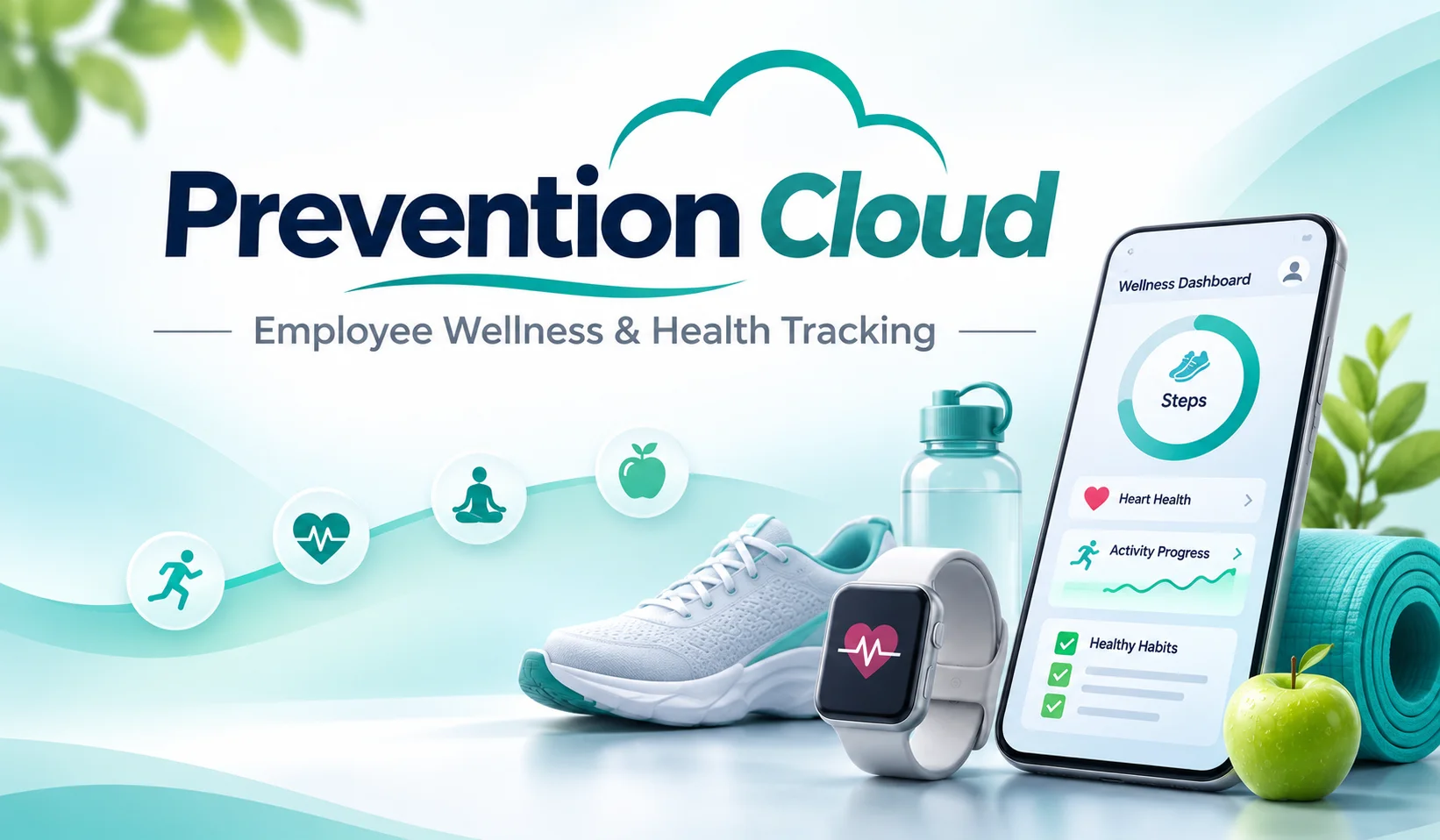
Staying healthy becomes challenging when work responsibilities, personal commitments, and daily routines compete for attention. Many employees want to improve their physical activity, develop healthier habits, or participate in workplace wellness programs but struggle to keep everything organized. Prevention Cloud brings these activities into a digital environment where health-related goals, participation records, and wellness resources can be managed more conveniently.
Prevention Cloud, commonly branded as PreventionCloud, is a wellness technology platform associated with Zomo Health. It helps participating organizations deliver employee wellness programs while giving individuals access to activities, assessments, challenges, and progress-tracking tools. Rather than functioning as a traditional fitness application, it connects personal wellness activities with programs established by employers or other participating organizations.
For employees who have been introduced to Prevention Cloud through their workplace, understanding the platform can help them avoid registration difficulties, recognize available benefits, and make better use of the wellness opportunities included in their program.
Why Workplace Wellness Needs More Than Occasional Reminders
Employee wellness initiatives often begin with good intentions. Organizations introduce physical activity challenges, health assessments, educational programs, and incentives to encourage healthier lifestyles. Yet participation can become difficult when employees must manage several forms, remember deadlines, or contact different departments for basic information.
Prevention Cloud provides a central location for organizing various wellness activities. Depending on the employer’s arrangements, participants may be able to review program requirements, monitor completed activities, access forms, and follow their progress toward specific milestones.
This approach can make wellness programs easier to navigate, particularly when employees work remotely or have different schedules. A digital platform allows participants to check relevant information without relying entirely on printed materials or workplace announcements.
However, the software itself does not guarantee better health outcomes. Meaningful results depend on program design, employee engagement, realistic goals, and continued support from qualified professionals when medical guidance is needed.
The Personal Dashboard Behind the Prevention Cloud Experience
One of the platform’s central functions is bringing multiple wellness activities into a single account. Instead of keeping separate records for every challenge or health-related task, users can access the features made available through their participating organization.
The dashboard may provide access to lifestyle assessments, exercise tracking, nutrition information, program events, educational quizzes, and participation records. Some programs also include biometric screenings or forms associated with healthcare visits.
The exact experience is not identical for every user. Employers can establish different wellness requirements, available activities, reporting periods, and incentive structures. Consequently, an employee participating in one organization’s program may see features that are unavailable to someone working elsewhere.
This flexibility is important because workplace wellness programs serve different populations. A large organization may emphasize preventive screenings and annual participation requirements, while another might focus on regular activity challenges and healthy lifestyle education.
Getting Into Your Account Without Making Registration Complicated
Employees generally receive Prevention Cloud access information through their employer, benefits administrator, or wellness program coordinator. Registration requirements can vary, especially when an organization uses a dedicated sign-in arrangement.
For a typical user, the process involves opening the official PreventionCloud portal or application, locating the appropriate login or registration option, and entering the credentials provided or established through the program.
Some organizations use single sign-on services that connect workplace credentials with wellness accounts. Others provide separate usernames and initial registration instructions.
Before attempting access, employees should check several details:
- Whether their employer has enrolled them in a participating wellness program.
- Which username or registration method their organization requires.
- Whether an existing account should be used instead of creating another.
- Whether the mobile application is supported by their device.
- Whether any participation deadlines or verification requirements apply.
When login problems occur, repeated password attempts may not resolve the underlying issue. Employees should use the official account recovery process or contact the designated program support team rather than sharing credentials with coworkers or unofficial support services.
What Happens After You Start Tracking Wellness Activities?
The value of Prevention Cloud becomes clearer when participation develops into a consistent routine. Users may complete assessments, record eligible activities, take part in organized challenges, or review achievements within their assigned wellness program.
Activity tracking can help individuals recognize how frequently they move, whether they are meeting personal goals, and where their daily routines could improve. Some application versions offer integration with supported phone health services, making certain activity information available without entering every detail manually.
For example, step-count integration may allow a participant to view walking activity associated with a challenge. However, automatic tracking depends on device compatibility, permission settings, and the particular integration being used.
It is also important to distinguish activity tracking from medical monitoring. A daily step count may offer useful information about movement, but it cannot diagnose a medical condition or provide a complete assessment of cardiovascular health.
The Interesting Connection Between Small Habits and Wellness Challenges
Wellness challenges are designed to encourage participation through achievable goals. They may involve walking, physical activity, lifestyle education, or other activities selected by an organization.
Their appeal often comes from providing structure. Someone who finds it difficult to maintain a regular activity routine may benefit from having a defined milestone and a visible record of progress. Challenges can also create opportunities for workplace engagement when colleagues participate in shared activities.
Nevertheless, healthy participation should remain flexible. Employees have different physical abilities, medical circumstances, and personal responsibilities. A challenge that motivates one participant may be inappropriate for another.
The most sustainable wellness programs recognize these differences and provide reasonable alternatives where necessary. Employees with health limitations should follow professional advice rather than increasing activity simply to meet a competition target.
Understanding Prevention Cloud Points Before Expecting Rewards
Some participating organizations connect Prevention Cloud activities with incentives, rewards, or employee benefit arrangements. These may encourage the completion of designated wellness requirements.
However, the platform does not provide one universal rewards structure for every participant. Points, qualifying activities, deadlines, and available incentives depend on the employer’s particular program.
An organization might require a health assessment or physician visit form, while another may recognize challenge participation or other approved activities. Certain workplace programs may also connect completed requirements with health insurance premium incentives.
Employees should review their own program documentation before assuming that an activity qualifies for a reward. Completing a task within the application does not necessarily mean that a particular incentive has been earned.
It is useful to check whether an activity needs verification, whether a completion status has updated, and whether the program has a specific reporting deadline.
Health Information Deserves More Than a Password
Because wellness platforms may handle personal information, privacy deserves careful consideration. Depending on the features enabled, Prevention Cloud may process account details, participation records, assessment responses, and certain health-related information.
Users should examine the applicable privacy notice and understand what information their employer or program administrator can access. Individual medical details and aggregated wellness reporting are not necessarily treated in the same way, and access arrangements can depend on the program and applicable privacy requirements.
Before connecting a phone’s health data, participants should review the requested permissions. Sharing activity information should be an informed choice rather than something accepted without understanding its purpose.
Good privacy practices include protecting login credentials, using appropriate account security settings, and avoiding the submission of sensitive information through unofficial channels.
Employees who have concerns about how their data is collected, stored, or shared should seek clarification from the program administrator or the platform’s designated support service.
When the Mobile App Does Not Match Your Expectations
Like other digital services, Prevention Cloud may occasionally present technical difficulties. Users can encounter unsuccessful logins, delayed activity updates, missing participation records, or difficulties connecting supported health applications.
These issues do not always mean that information has been permanently lost. Some problems arise from permission settings, incompatible application versions, interrupted connections, or differences between automatically tracked activities and employer-approved participation requirements.
A practical troubleshooting approach includes:
- Confirming that the correct organizational account is being used.
- Checking the application’s permissions and available updates.
- Reviewing whether an activity must be entered or verified manually.
- Allowing for possible synchronization delays.
- Contacting official support when records remain incorrect.
Users should avoid repeatedly submitting the same health-related information unless instructed to do so, especially when duplicates could affect program records.
The Real Difference Between Wellness Software and Medical Care
Prevention Cloud supports wellness program participation, but it should not be confused with a medical diagnosis or treatment service.
A lifestyle assessment can help someone reflect on personal habits, while a nutrition tracker can support awareness of food choices. Neither replaces a personalized medical evaluation. Similarly, exercise information may support general wellness goals without establishing whether a particular activity level is medically appropriate.
This distinction is especially important for employees living with chronic conditions or taking medications that affect physical activity, nutrition, or other aspects of daily health.
Wellness technology is most helpful when it supports informed decisions and complements appropriate healthcare rather than encouraging people to interpret general tracking information as medical advice.
Common Questions About Prevention Cloud
Is Prevention Cloud available to everyone?
The application may be publicly downloadable, but access to particular wellness programs generally depends on participation through an eligible organization. Downloading the application does not automatically provide enrollment in an employer’s wellness benefits.
Can Prevention Cloud track physical activity?
Yes, supported versions include exercise-related tracking features and may integrate with compatible phone health services. Available functions depend on device support, permissions, and program configuration.
Does every employer offer the same rewards?
No. Employers and program administrators determine their own participation rules, incentives, and deadlines. Users should rely on their organization’s specific program information.
Is Prevention Cloud the same as cloud cybersecurity software?
No. PreventionCloud is a health and wellness platform. The broader phrase “prevention cloud” may appear in cybersecurity discussions, but that is a separate use of the words.
What should I do if my wellness activity is missing?
Check the relevant activity history, synchronization permissions, and program requirements. If the record remains missing, contact the official program support team with the necessary activity details.
Where Prevention Cloud Fits Into a Healthier Working Life
Prevention Cloud brings workplace wellness activities into a more organized digital experience. Its greatest practical strength is the ability to connect assessments, challenges, participation records, and program information within a platform that employees can access through supported devices.
For organizations, this can make wellness initiatives easier to administer and monitor. For employees, it offers a clearer way to understand available activities and follow progress toward personal or program-related goals.
The platform’s usefulness ultimately depends on how thoughtfully it is used. Tracking activities is valuable, but lasting wellness improvements require realistic expectations, appropriate support, and habits that remain manageable beyond a single challenge.
Prevention Cloud is best understood as a tool for making workplace wellness participation more accessible, organized, and consistent—not as a replacement for professional healthcare or an automatic guarantee of better health.
More Explore:
How to Find a Dentist You’ll Actually Want to Keep Seeing